WorkAllianceBernstein · institutional sales
AllianceBernstein: mapping a 20-year sale
AllianceBernstein's institutional sales advisors kept their pipelines in spreadsheets and paper journals, and Salesforce had become a chore for reporting to management. I interviewed 22 people across the globe, mapped the sale from first call to closed account, and redesigned the CRM around how advisors actually work.
- Role
- Lead UX strategist
- Research
- 22 interviews across the globe
- Team
- One UX lead and one BA/PM
- Year
- 2020
The sale, from first call to closed account
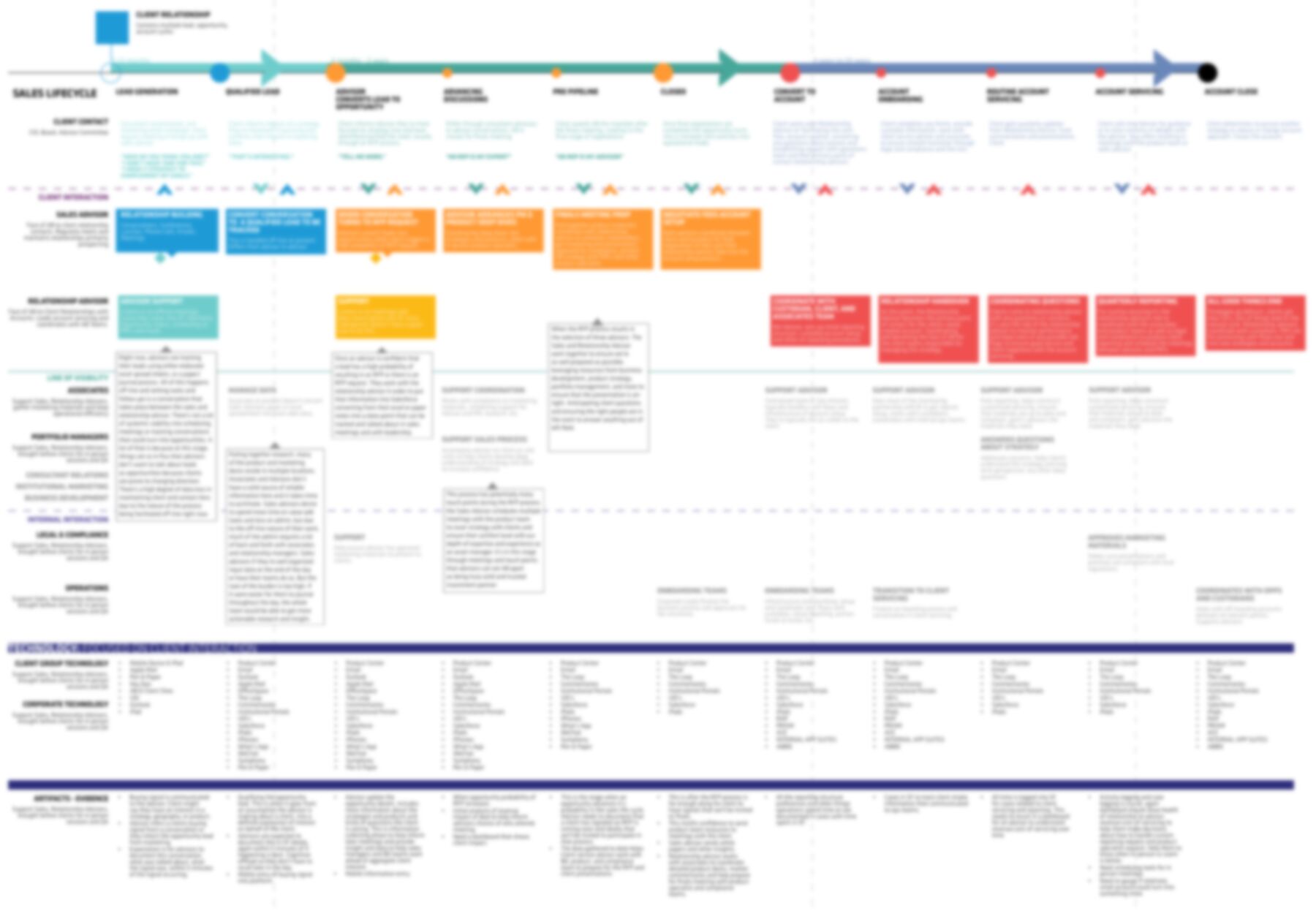
Redrawn from the lifecycle map. Lines in quotes are the client’s frame of mind at each stage.
Before
Salesforce had become a place to report to management, not a tool to sell with.
Advisors tracked their leads in elaborate spreadsheets or a paper journal. Notes from client meetings waited for Friday, or for an associate to type them in. Client and contact history got lost along the way.
Nobody needed to try harder. The CRM needed to match how institutional sales actually works, and nobody had written that down yet.
“Here it just serves as a data repository. It’s not accessible enough, so I just use my own offline processes.”
From the research
The research
Why don't salespeople use the CRM?
To find out, I asked them. I led the research with a project manager, then turned what we heard into tools the whole team could use to decide what to build.
Interview
22 sales advisors, relationship managers and associates across the firm’s global footprint, in their own words.
Personas
Four composite people built from the interviews, so every feature idea could be tested against a real kind of user.
Maps
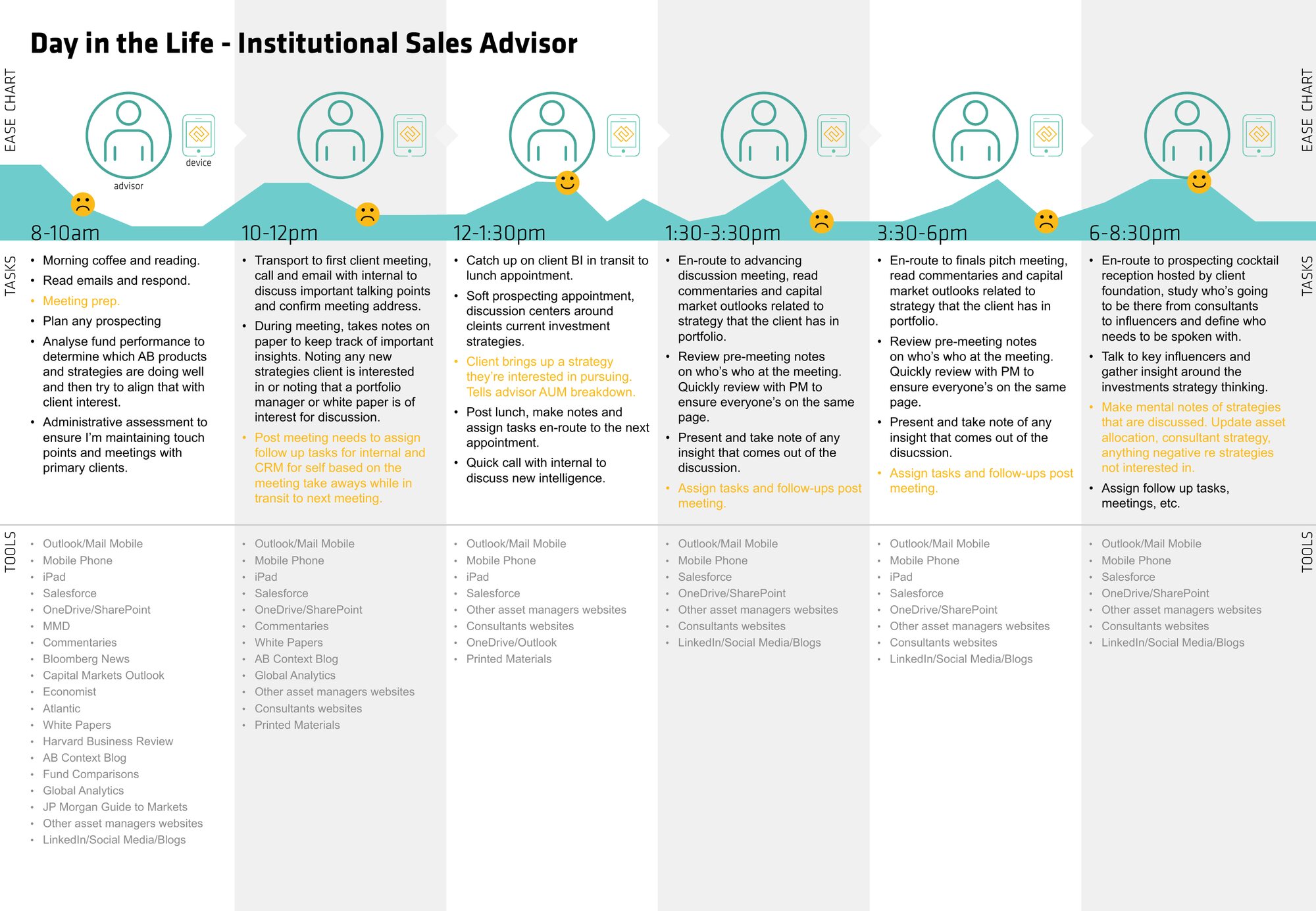
A day in the life of an advisor, hour by hour, and the full sales and account lifecycle, stage by stage.
Prototype
Sketches first, then a working version in a Salesforce sandbox for the sales and relationship advisor profiles.
Mateo
Institutional sales advisor
Santiago, covering Chile, Colombia and Peru. Four client meetings a day, Monday to Thursday. Fridays go to admin.
I have a weekly call with my boss to keep me accountable, but at this time there’s no track record of the meetings.
John
Institutional sales advisor
Sydney. Always traveling, often off-line, and keeps his own spreadsheets because entering data on the road is too slow.
Here it just serves as a data repository. It’s not accessible enough, so I just use my own offline processes.
Yuto
Institutional sales advisor
Tokyo. A handful of large clients within half an hour of the office, and meeting notes he would rather write in Japanese.
It would be useful to have access to a client’s contact information from anywhere, without any clicks, to help us when we’re going from meeting to meeting.
Jane
Institutional relationships
Nashville. Keeps the advisor she supports equipped, opens accounts and compiles the briefings and reports.
The number one prospects I’m interested in are our existing clients.
Personas are composites of the people we interviewed, with invented names.
A day in the life
The CRM was never where the advisor was
We mapped an advisor's day hour by hour, from morning reading to an evening reception. The ease line drops each time a meeting ends and the follow-up has to be written down somewhere.
The lifecycle map
One map, eleven stages, every role
The sales and account lifecycle became a living document: what the client is thinking at each stage, who at the firm is involved, what happens out of the client's sight, which tools each role uses, and what should be captured as evidence.
What we found
About 22 pain points, three themes
I need better training
“I don’t understand how to use this as a CRM. It just seems like a data repository for reporting to management.”
Salesforce is too difficult to use
“It doesn’t match my sales or relationship management process.”
I need better insights for my clients
“I want to streamline research and meeting prep, to give me time to really be ahead of the curve and anticipate client needs.”
Notes in my own language
Advisors wanted to enter meeting notes in their primary language, and to turn the takeaways straight into follow-up tasks.
The sale, by stage
Sort relationships, contacts and opportunities by where they are in the sales lifecycle, and link strategies to each.
Everything before a meeting
One view of prior meetings, notes, contacts and research, ready on a phone between meetings.
Clean data, without the chore
Batch editing for associates, and tiers that update themselves so priorities stay current.
The redesign
An action center for the advisor's day
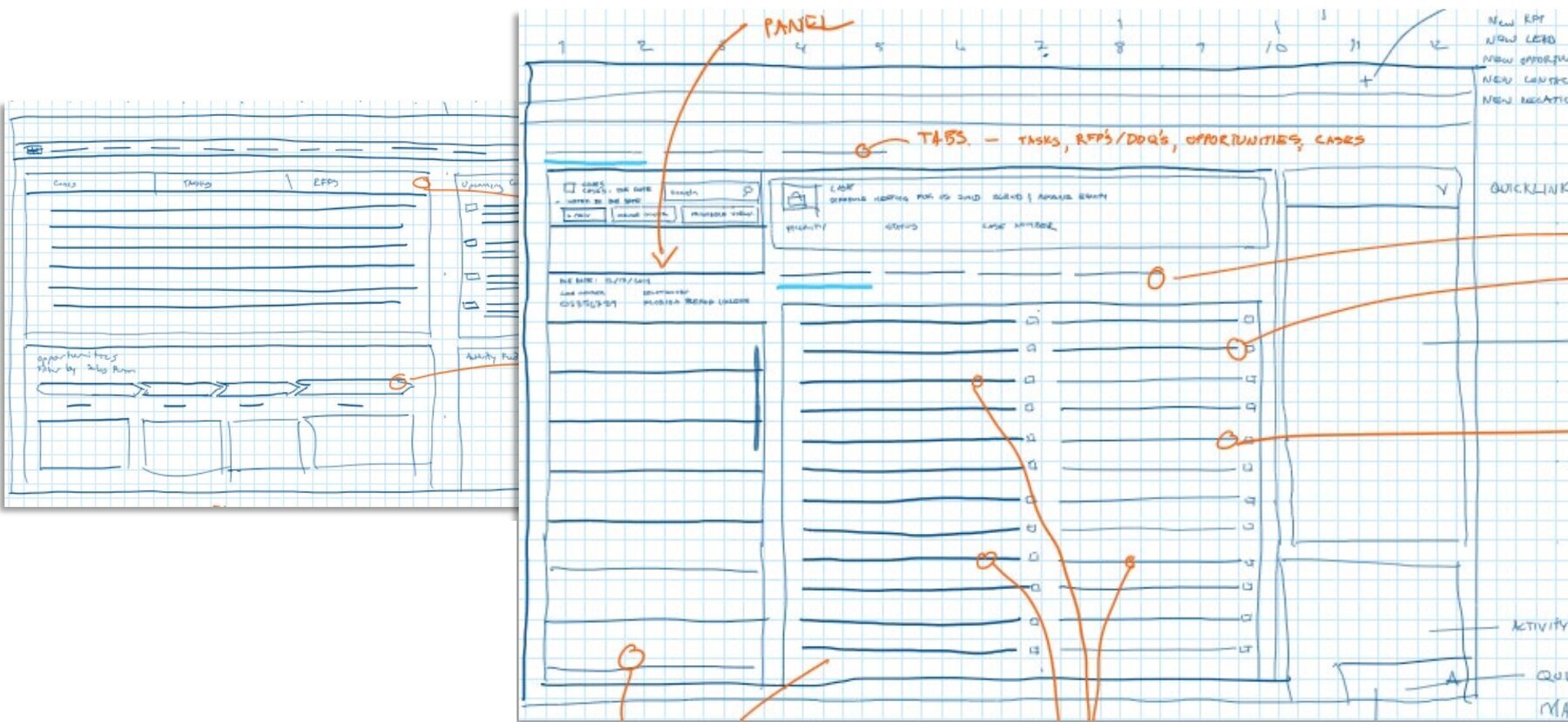
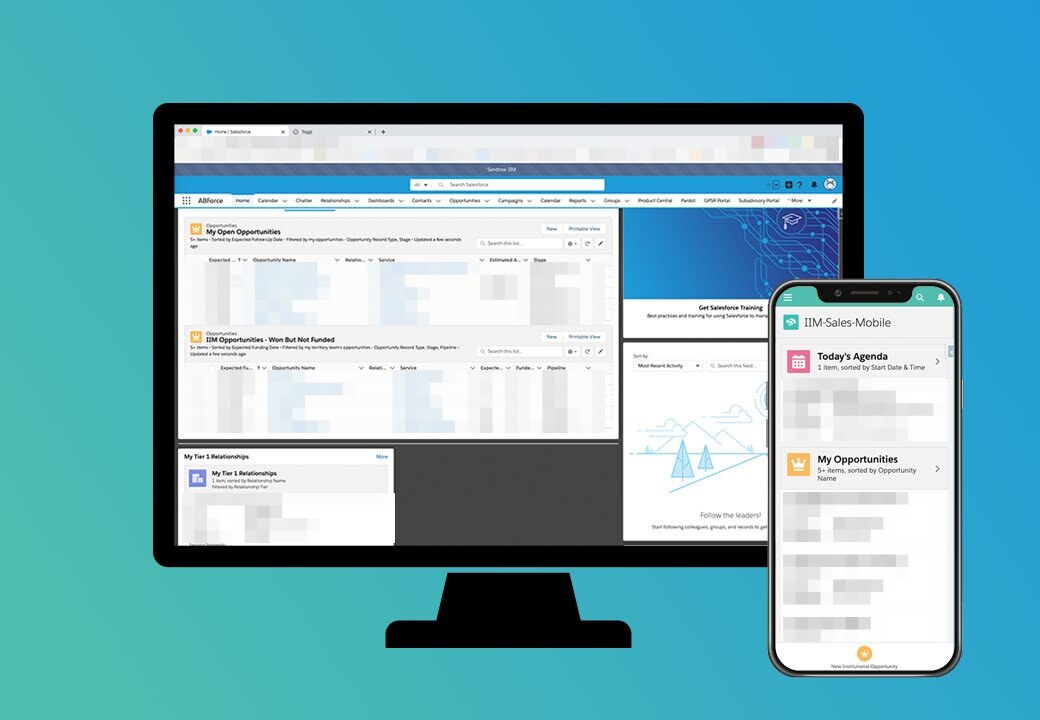
Sketches first: a single-page action center where an advisor moves from prospecting to opportunities to tasks without hunting through menus. Then a working version in a Salesforce sandbox for the sales and relationship advisor profiles, and a mobile concept built on Salesforce's Lightning Design System.
Phase two
A redesign, and the training to go with it
The findings went back to every interviewee to check, then into a phase two plan for steering committee approval. I went on to lead the Salesforce redesign for institutional advisors, including a mobile app for their daily work, with training built in from the start: a guided tour of each change, an announcement for each community, and a quick resource guide.
Why it matters for your business
People don't skip the CRM because they're lazy. They skip it because it doesn't fit how they sell.
It's the same at a ten-person company. At Gunter Metals, requests for proposals flow straight into Jobber, the shop's CRM and quoting tool, so nobody retypes a request from a text message.
Map how the work really happens before choosing or changing a tool. That's also where the free AI Foundation Kit starts, and where the AllianceBernstein paperless program started too.
Next step